
Mapply
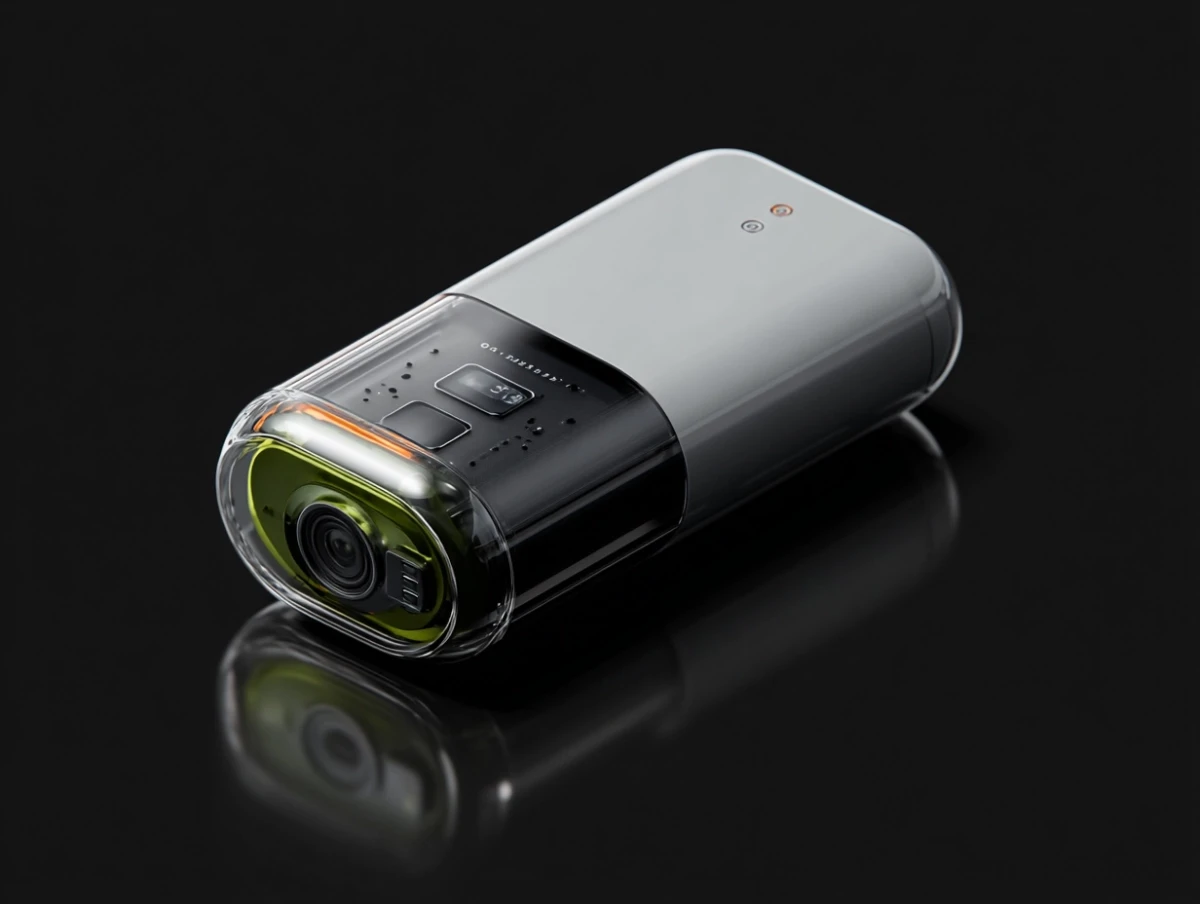
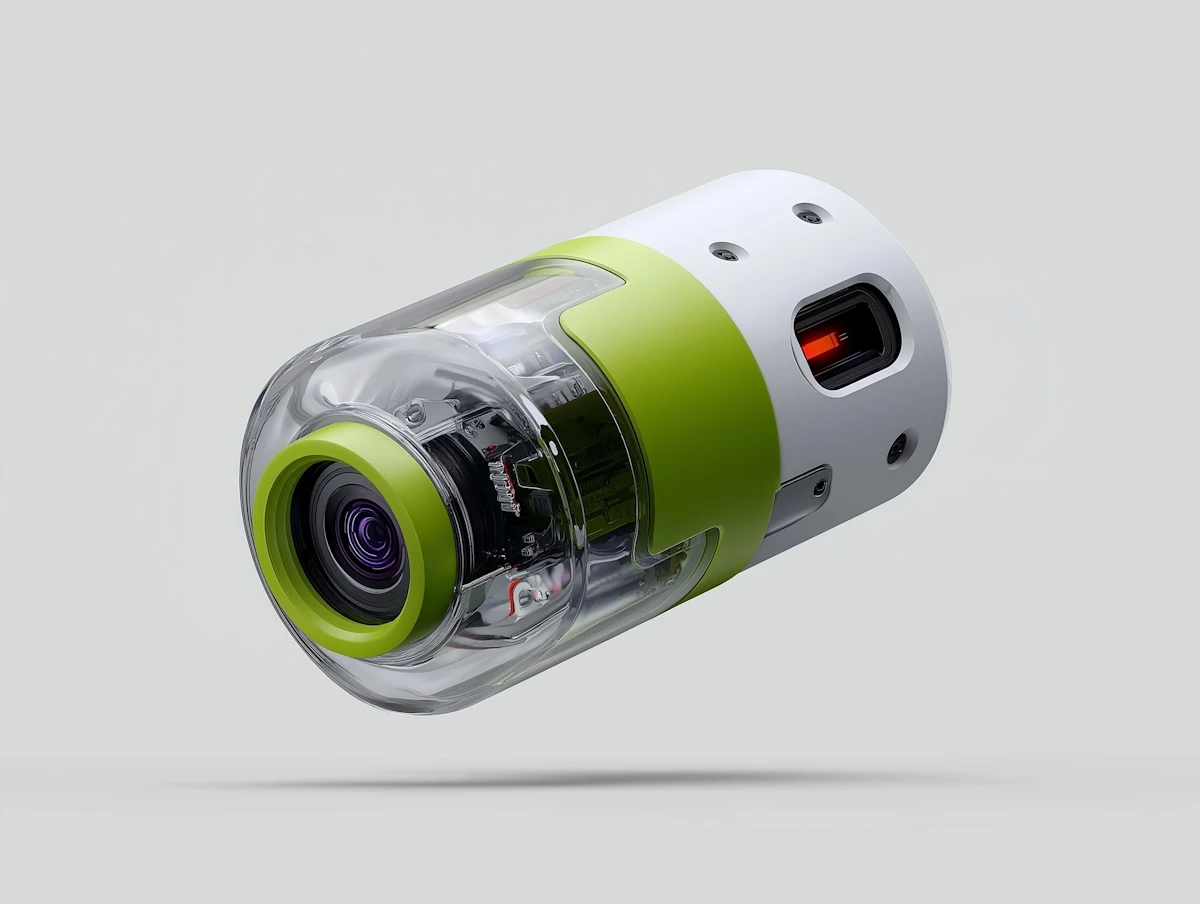
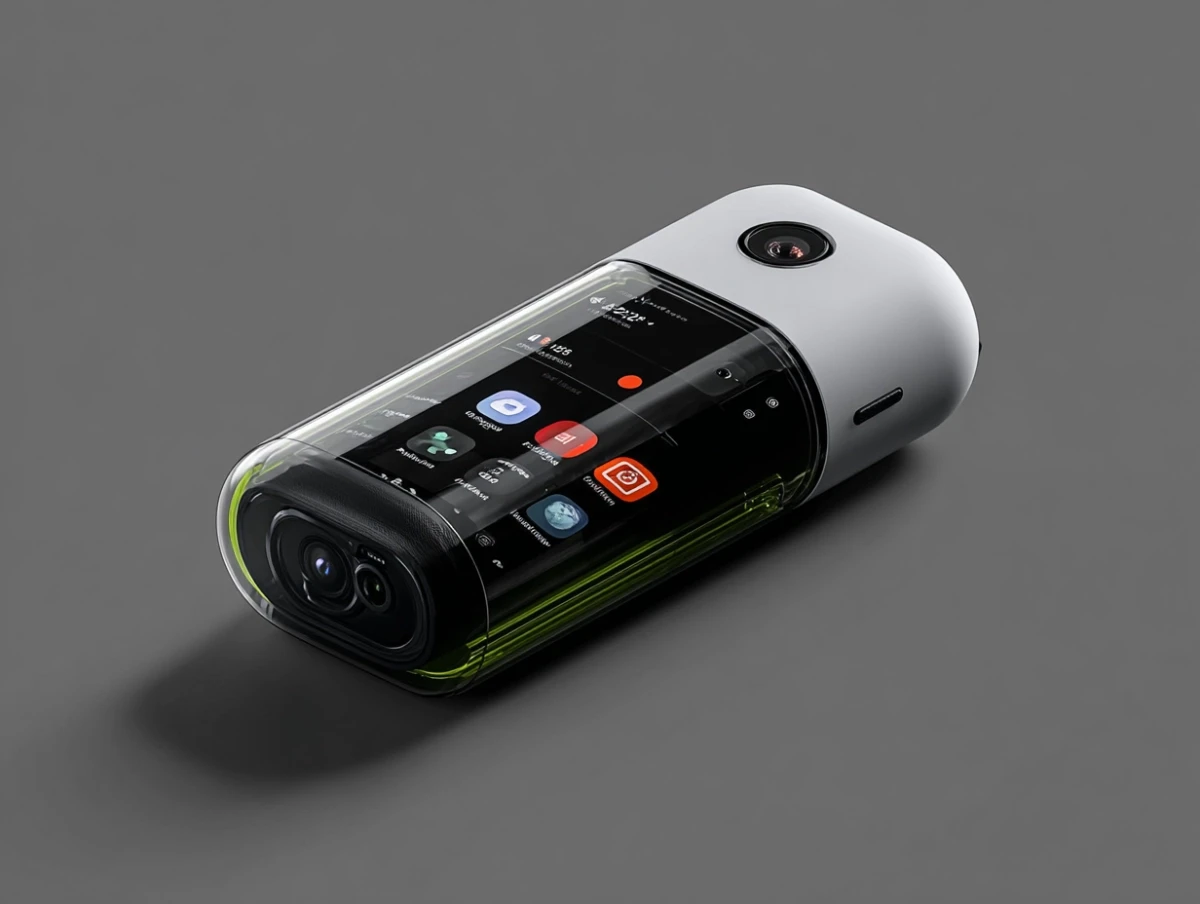
Mapply redefines navigation in busy spaces like Westfield Century City Mall. Think smart maps, AR directions, and rewards that make every step of your journey as efficient as it is rewarding.
ROLE
PROBLEM
Westfield Century City is a 1.3 million-square-foot outdoor shopping mall. With only 3 allocated curbside parking spots out of 5000 total spots, visitors face stressful, time-consuming pickups and confusing navigation—hurting adoption and productivity.
DESIGN CHALLENGE
RESULTS
40% increase in active weekly users within 3 months
Reduction in average task time by 35% for key workflows
Consistent 4.7/5 user satisfaction score in post-launch feedback
Internal teams reported fewer support requests and improved onboarding for new hires
Understanding the Pain Points
Early user interviews and session recordings made one thing clear: the product was getting in the way of the process. Sales reps spent more time navigating tabs and buried actions than engaging with leads. Critical information—like contact history or deal status—was scattered across screens, often hidden behind dropdowns or modals. There was no clear hierarchy, and task flows required too many steps for even the most basic actions. This created friction, slowed productivity, and led users to rely on external spreadsheets and workarounds.
Redesigning with Intent
I began by mapping the most frequent workflows and identifying friction points at each step. From there, we focused on removing barriers—eliminating unnecessary clicks, surfacing essential data, and streamlining how users moved through lead and pipeline views.
In Conclusion
The Streamline CRM redesign wasn’t just about aesthetics—it was about empowering users to work smarter and faster. By identifying real pain points, simplifying complex workflows, and designing with intention, we transformed a dated system into a product that teams actually enjoyed using. The measurable improvements in adoption, efficiency, and satisfaction proved that great design can drive real business impact.